To find 3D printing meetups and maker spaces, search your city or region alongside terms like “3D printing meetup,” “makerspace,” and “fab lab,” then check public libraries, community colleges, and independent workshops that list printer access. Before you commit to membership, verify the meeting frequency, guest policy, training requirements, and whether the machines on their equipment list actually work.
It sounds obvious, but the hardest part is usually the last step: confirming that a space has functioning printers and that guests are welcome. Plenty of listings are two years old. Here’s the process I would follow, roughly an hour of searching plus one low-pressure visit.
Table of Contents
- 1What You Need
- 2How far you will actually travel
- 3What you want from the community
- 4Your experience level
- 5The four things worth verifying
- 6Step-by-Step: How to Find 3D Printing Meetups and Maker Spaces
- 71. Define What You Want From a 3D Printing Community
- 82. Search Local Directories and Search Engines
- 93. Check Maker Spaces, Libraries, and Fab Labs
- 104. Look for Online Communities With Local Events
- 115. Verify the Group Before You Go
- 126. Attend a Small Event or Open House First
- 137. Build a Regular Local 3D Printing Network
- 14Common Mistakes
- 15Trusting a stale listing
- 16Assuming a makerspace has working 3D printers
- 17Ignoring training requirements
- 18Assuming every printer is always free
- 19Turning up without a file ready
- 20Skipping the question about restrictions
- 21Frequently Asked Questions
- 22Can beginners attend 3D printing meetups without owning a printer?
- 23Do I need my own 3D printer to join a local makerspace?
- 24What should I bring to my first makerspace visit?
- 25How do I find 3D printing meetups in a rural area with no makerspace nearby?
- 26How much does access to a makerspace usually cost?
- 27What can a beginner print at their first makerspace session?
- 28Conclusion
What You Need
Before you start typing, four things make the search much faster.
How far you will actually travel
Decide your real radius. Most people settle somewhere between 20 and 45 minutes of driving. A space with better equipment across town may still beat a weak space on your street, especially if you plan to go weekly.
What you want from the community
A social meetup, a skill-focused workshop, a space with shared printers, a professional networking event, and an online group are five different things. Write down which one matters most right now, because it changes where you look first.
Your experience level
Be honest with yourself here. Beginners get filtered or paired with mentors at good spaces, and experienced members get access to advanced machines at the same place. Knowing your level tells you which door to walk through.
The four things worth verifying
Access (can guests come in, and when), costs (membership, guest fees, material charges, training), safety rules (glasses, supervision, orientation), and equipment (which printers exist and whether they are maintained). Everything else is decoration.
Members on forums like r/3Dprinting and r/maker repeatedly flag one failure mode: spaces advertise a long equipment list, but printers sit broken for weeks. Ask directly about maintenance before you pay.
Step-by-Step: How to Find 3D Printing Meetups and Maker Spaces
1. Define What You Want From a 3D Printing Community
Settle this before you search. Knowing which of these five you actually need changes where you look, and it is the part most people skip.
Social meetup: people show prints, swap tips, print together. If you mainly want conversation and inspiration, a meetup hosted at a library or a coffee shop works and costs nothing.
Skill-focused workshop: a class on slicer settings, scanning, or resin handling. These are short, paid, and run by most community workshops on weekends.
Shared-printer makerspace: you pay a membership or per-hour fee and book machine time. This is the path if you want to make functional parts without owning a printer.
Professional networking: useful for engineers, designers, and small manufacturers. Look for industry meetups, additive manufacturing associations, and startup events rather than hobby groups.
Online group: the fastest route when your area is thin. Online communities still host in-person print days at libraries and coworking spaces, so keep reading after you join.
2. Search Local Directories and Search Engines
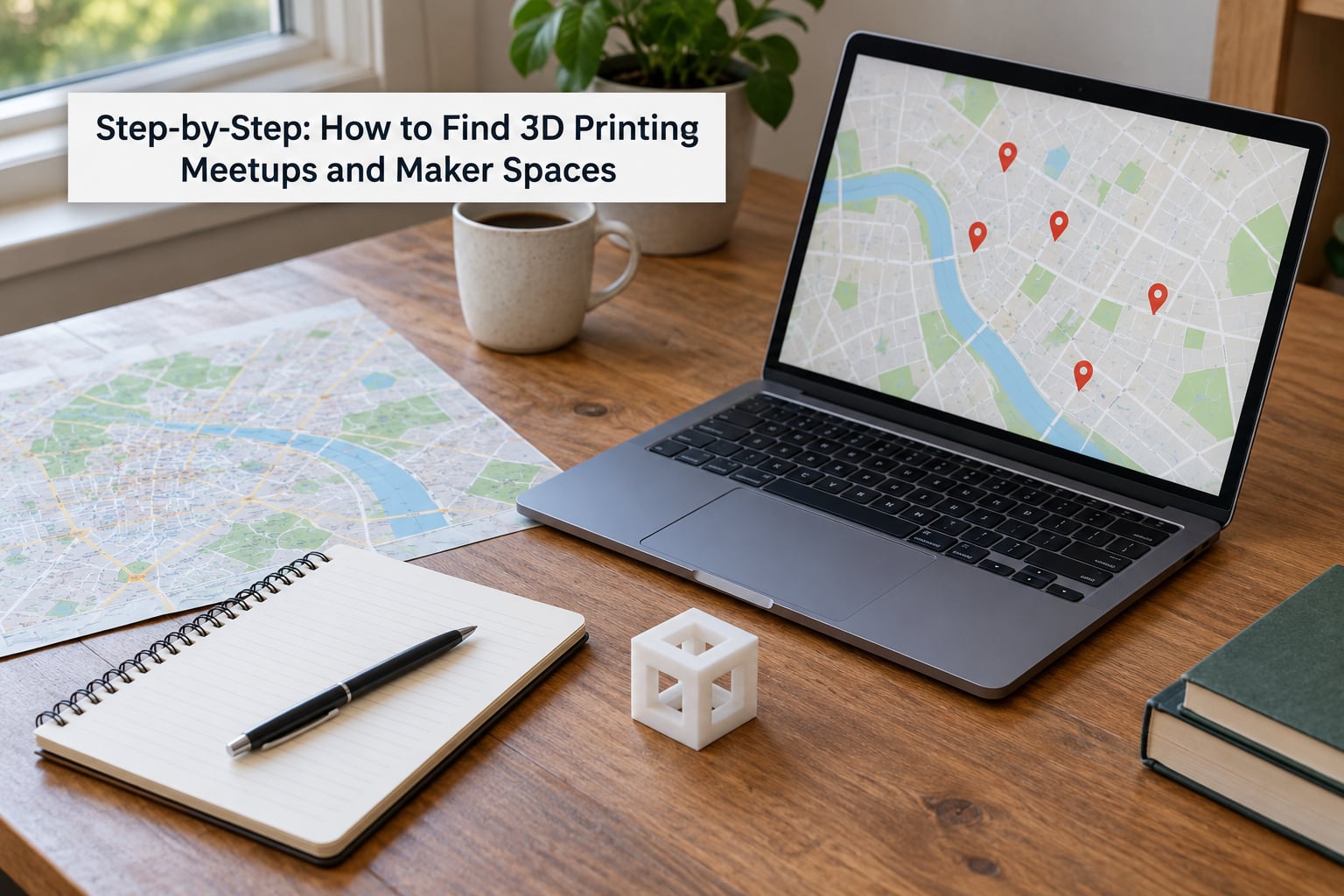
Combine your city with the search term. “Portland 3D printing meetup,” “fab lab near me,” and “hackerspace open house” pull up different sets of results.
Searching is the easy half of how to find 3D printing meetups and maker spaces. The verification in the next few steps is what separates a good evening from a wasted trip.
Run at least five variants before you conclude nothing exists. Add “additive manufacturing group,” “printer club,” “maker community workshop,” and “digital fabrication lab.” Narrow searches like “3D printing” alone often surface only shops and blogs.
Check the current calendar on any promising site. A site whose event page still shows a date from last winter is telling you something useful for free.
3. Check Maker Spaces, Libraries, and Fab Labs
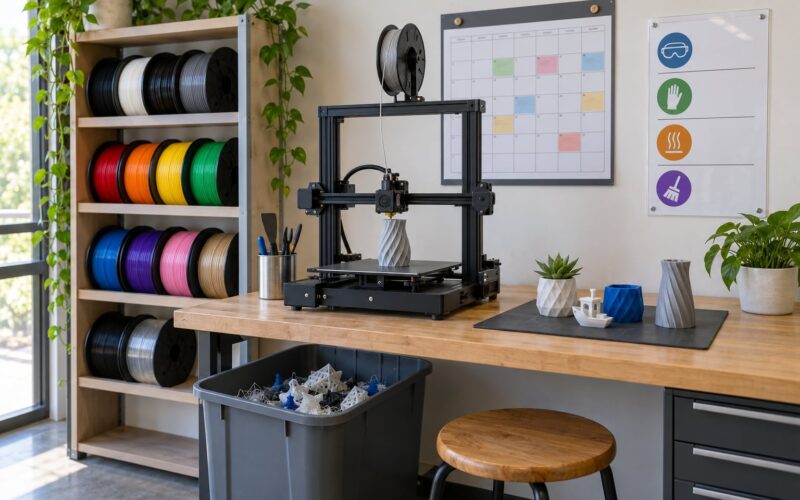
Public libraries are the most overlooked option and often the most accessible. Many now run a community lab with one or two printers, free or low-cost print quotas, and staff who will help you slice a file. Some require a library card; many do not.
Community colleges frequently open their fabrication labs to the public in the evenings for a modest fee. Universities are harder: access usually runs through continuing-education programs, community partnership agreements, or short courses, since lab time belongs to enrolled students.
Fab labs sit somewhere between a makerspace and a research facility. Many were founded with university or foundation money and now run community programs on weekday evenings. Independent makerspaces and hackerspaces fill the rest, usually with the broadest equipment and the most flexible guest policies.
4. Look for Online Communities With Local Events
Local searches turn up spaces. Online communities tell you which ones are actually pleasant to spend time in.
On Reddit, search within r/3Dprinting for your city name plus “makerspace.” Posts asking how to find a space with printers get answered with names, costs, and honest assessments of which machines work. r/maker and regional subreddits carry the same kind of local discussion.
Meetup and Facebook groups list scheduled events with dates and venues. Those listings are usually current, because a stale group gets noticed and corrected.
Discord servers run by makerspaces often have a channel where members post print failures, request advice, and announce open shop nights. Ask in the channel whether guests can attend, and ask a member rather than staff if you want the unfiltered version.
5. Verify the Group Before You Go
Run through this checklist before you travel anywhere.
- Location and parking, plus whether the entrance is obvious to a first-time visitor
- Meeting frequency: weekly, monthly, or only during special events
- Guest policy and whether a day pass exists separately from membership
- Training or orientation requirements and how long they take
- Printer access: reserved time, first-come, or job queue
- Materials: your own filament allowed, or filament supplied at a markup
- Maximum print time per job, which often caps at 8 to 12 hours
- Age restrictions and supervision rules for minors
- Accessibility, including step-free access and machine height
- Safety rules: eye protection, closed-toe shoes, no loose sleeves near moving parts
Email or message the organizer and ask the same handful of questions. A group that answers clearly before you arrive is usually a group that will welcome you when you show up.
6. Attend a Small Event or Open House First
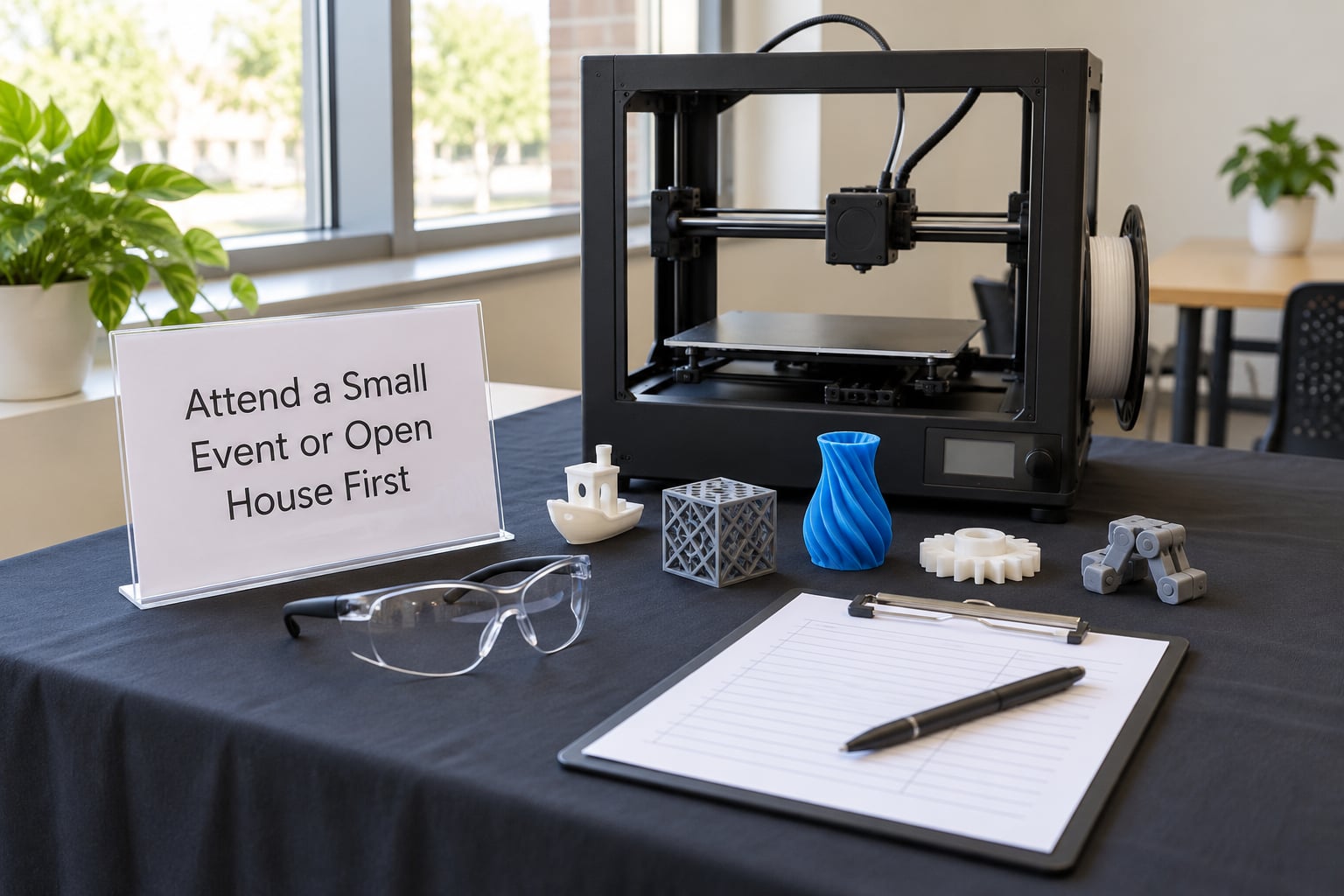
Make your first visit a public one: an open house, a beginner workshop, a library orientation, or a guest night. The commitment is small, which is exactly the point.
Bring a USB drive with one simple model already sliced, a notebook, and closed-toe shoes. Having something that prints in under an hour gives you a reason to talk to someone, and a working part in your hand opens conversations faster than a question does.
Ask the person running the desk three questions: which printer would you use for a first job, what do members complain about most, and what does a normal evening look like. Then watch. Note who helps newcomers, how loud the room is, and whether anyone cleans up after themselves.
Arrive early. Ten quiet minutes tells you more than a tour.
7. Build a Regular Local 3D Printing Network
Once you pick a home group, subscribe to its calendar and put recurring events in your own calendar. Groups that meet weekly lose momentum when nobody shows up for three weeks in a row.
Join the discussion channel and answer one question. Explaining something you learned last month is the fastest way to get invited back.
Offer help in a narrow way: sweeping up, restocking filament, helping calibrate a first layer. Volunteer for orientation once and you will meet every new member who walks in the door.
Take a class. Most spaces run orientation on printer types you have never touched, and the class is where you meet the experienced people who will troubleshoot your first failed print.
If nothing local fits, connect rather than compete. Independent makerspaces often share tools with each other, run joint workshops, and refer members across town when one lacks a machine the other owns. Regional associations and open-source hardware meetups cover the same ground at a bigger scale.
Common Mistakes
Trusting a stale listing
A group page showing an event from a year ago tells you nothing about today’s calendar. Fix: check the date of the most recent post before you plan a trip, and confirm by message.
Assuming a makerspace has working 3D printers
Some spaces are woodworking, textiles, or electronics shops with a printer added years ago and never maintained. Fix: ask which machines are in service, how often they are serviced, and whether filament is supplied.
Ignoring training requirements
University and independent labs frequently require an orientation before machine access, and it may only run on Saturdays. Fix: check the training schedule before you buy a membership, and ask whether it is included.
Assuming every printer is always free
Good spaces use a reservation system, and popular evening slots fill days ahead. Fix: ask how far ahead you can book and whether jobs run overnight with a pickup window.
Turning up without a file ready
Arriving with an unsliced model means waiting on a laptop with unfamiliar software. Fix: slice beforehand and bring the file on a USB stick plus a backup in your email.
Skipping the question about restrictions
Some spaces limit print length, ban certain materials, or restrict commercial work. Fix: ask about weapons, food-contact items, and paid projects before you start a long job.
Frequently Asked Questions
Can beginners attend 3D printing meetups without owning a printer?
Yes, and most beginner meetups assume you have no printer at all. Members bring parts to a shared machine, and hosts usually keep a simple test model on hand so newcomers can watch a print start. Library community labs and beginner workshops are the easiest entry points, because staff sit with you while you slice.
Do I need my own 3D printer to join a local makerspace?
No. Shared-printer memberships exist precisely so you can print without owning hardware. You usually reserve a machine for a block of hours and supply your own filament or buy filament on site. If your project is small and infrequent, a day pass or a small quota at a library will cover it with less commitment.
What should I bring to my first makerspace visit?
Bring closed-toe shoes, a USB drive with one simple model already sliced, and a notebook. Safety glasses are often provided, but a personal pair never hurts. Arrive ten minutes early so you can read the sign-in sheet and the posted rules. Wear clothes you do not mind marking with filament residue.
How do I find 3D printing meetups in a rural area with no makerspace nearby?
Widen the radius and change what you search for. Community colleges often run fabrication labs open to the public, and libraries in small towns increasingly run occasional printing days. Online groups are the practical bridge: join a national community, ask for recommendations near your town, and ask whether anyone runs a regional print day you could ride along to.
How much does access to a makerspace usually cost?
It depends almost entirely on the type. Public library access is often free with a card or a small print quota. Community college labs charge a modest fee for a supervised block of time. Independent makerspaces and hackerspaces use monthly memberships with lower tiers for students and higher tiers for after-hours access. Always ask what the membership excludes, such as training or material markups.
What can a beginner print at their first makerspace session?
Start with something that finishes in under two hours and needs no supports: a phone stand, a drawer divider, a name tag, a replacement knob, or a simple articulated figure from a model repository. The point of a first print is to learn the workflow, not to make something impressive. Save the ambitious project for once you know how the space handles failures.
Conclusion
The fastest route through how to find 3D printing meetups and maker spaces runs four moves: search your city with specific community terms, check libraries and community colleges first because they are the easiest to join, message organizers to confirm dates, costs, and guest policy, then attend one open house or beginner session before paying for anything. Once you have been a few times, keep showing up and answering a question or two. That is how a print night turns into the group you actually rely on.