If you print display models, vases and miniatures, standard PLA is the sensible pick and the PLA Plus premium buys you nothing. If you print clips, brackets, toys or anything that gets dropped or gripped, PLA Plus is the better choice, because it bends before it snaps instead of shattering outright. The difference between the two is toughness, not raw strength, and that distinction explains almost everything you will notice at the printer.
This guide compares PLA plus and standard PLA on measured mechanical properties, heat limits, print settings and cost, so you can pick the spool that matches the part in front of you. Where numbers are used they are attributed to the testing source, because PLA Plus has no standard formula and brand-to-brand variation is wide.
Table of Contents
- 1PLA Plus vs Standard PLA at a Glance
- 2What Is PLA Plus?
- 3What PLA Plus vs Standard PLA Changes
- 4Strength and Layer Adhesion
- 5Heat Resistance and Outdoor Use
- 6Surface Finish, Detail, and Precision
- 7Printing Settings and Ease of Use
- 8Cost and Best Uses
- 9Which Should You Choose?
- 10Frequently Asked Questions
- 11Does every PLA Plus filament perform the same way?
- 12Can I use standard PLA printing settings for PLA Plus?
- 13Is PLA Plus available in the same colors as standard PLA?
- 14Can PLA Plus parts be recycled like ordinary PLA?
- 15Is PLA Plus safe for parts exposed to hot cars or direct sunlight?
- 16Can PLA Plus be sanded, filled, painted, or machined after printing?
- 17Conclusion
PLA Plus vs Standard PLA at a Glance
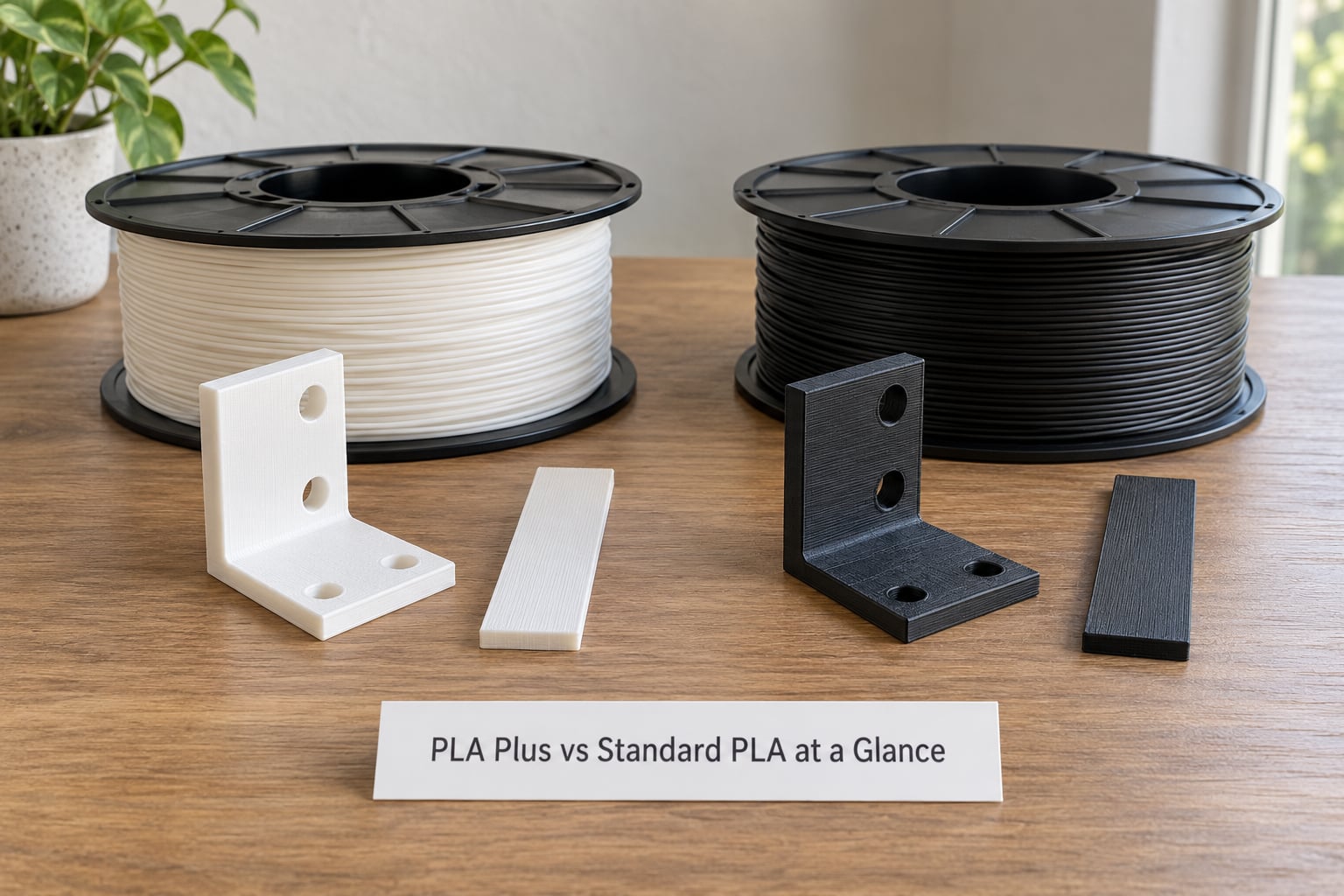
The short version: PLA Plus wins on impact toughness and on how a part fails. Standard PLA wins on stiffness, surface finish consistency and price per kilogram. Both share the same heat ceiling.
| Property | Standard PLA | PLA Plus | Edge |
|---|---|---|---|
| Flat tensile strength | About 57 MPa | About 43 MPa | Standard PLA |
| Bending modulus (stiffness) | About 3000 MPa | About 2200 MPa | Standard PLA |
| Impact energy absorbed | About 5 kJ/m² | Roughly four times that | PLA Plus |
| Failure mode | Snaps suddenly, shatters | Flexes and yields first | PLA Plus |
| Layer adhesion | Good, roughly 75% retention in one controlled test | Comparable in the same test | Even |
| Glass transition behaviour | Softens, then fails around 60–65°C | Softens, then fails around 60–65°C | Even |
| Nozzle temperature | 190–220°C | 200–230°C | PLA Plus needs heat |
| Bed temperature | 55–60°C | 55–65°C | Slight edge to PLA Plus |
| Cooling fan | 100% is fine | Reduce it, 80–100% | PLA Plus benefits |
| Surface finish | Often glossy, very consistent | Often matte or satin | Depends on brand |
| Cost per kilogram | Baseline | Typically a 5–40% markup depending on brand | Standard PLA |
| Food safety | Not food safe without a barrier | No improvement | Even |
The tensile and stiffness figures come from a controlled two-spool test published by CNC Kitchen in August 2020, comparing Polymaker PolyLite PLA against Polymaker PolyMax PLA at identical nozzle settings. The temperature ranges are the ones manufacturers publish and users confirm across slicers. Treat all of it as the shape of the difference rather than a promise about the spool in your hand.
What Is PLA Plus?
PLA Plus is standard polylactic acid compounded with extra additives that manufacturers do not disclose. There is no industry standard behind the name, which is why PLA+, PLA Pro, Tough PLA, PLA Premium and PLA+ 2.0 are all the same basic idea with different recipes. A user on Reddit r/3Dprinting put it plainly: they are all just PLA with other stuff mixed in, so if one works on your printer the others probably will too.
That lack of a standard cuts both ways. It means you cannot assume one brand’s PLA Plus behaves like another’s, and it also means a well-tuned PLA Plus can outperform a mediocre “tough” filament from a different maker.
What PLA Plus vs Standard PLA Changes
At the material level, four things shift when additives are mixed into the PLA base.
Impact modifiers are the main addition. They let the part deform and absorb energy before it breaks, which is the entire point of the product. Elastomers or acrylic polymers do this job in most recipes.
Plasticizers sometimes appear in small amounts. They lower the glass transition and make the surface feel softer and less brittle, at the cost of stiffness and heat tolerance.
Crystallization modifiers appear in some recipes to raise heat resistance a little. The effect is real but small, and it does not move the material into engineering-plastic territory.
Surface appearance often changes as a side effect. The same batch that is tougher frequently looks matte or satin rather than glossy, because the additives scatter light.
None of this changes the base polymer chemistry enough to make PLA Plus a different material. It stays a polylactide, it stays brittle in tension at thin sections, and it keeps the same softening behaviour as standard PLA.
Strength and Layer Adhesion
PLA Plus is tougher than standard PLA, and it is often weaker in static tension. That is the finding almost every forum thread gets wrong, because people say “stronger” when they mean “harder to break”.
In the CNC Kitchen test, standard PLA measured around 57 MPa in flat tensile while the PLA Plus measured around 43 MPa. Bending modulus ran the same direction, about 3000 MPa against about 2200 MPa. Both materials retained roughly 75% of their strength when tested across layer lines, so layer adhesion was not the differentiator there.
What changed dramatically was impact. Standard PLA absorbed roughly 5 kJ/m² before failing. The PLA Plus absorbed close to four times that. In plain terms, the standard coupon snapped and the PLA Plus coupon bent and deformed first. That difference matters far more than the tensile number for almost any part you would actually print at home.
Layer adhesion is worth separating out, because it is its own failure mode. If a part breaks cleanly along a single layer line, you are looking at poor bonding rather than a weak material. Common causes are too little layer height relative to nozzle diameter, excessive fan cooling, a bed that is not level, or simply not enough perimeter walls. A functional clip wants three or four perimeters and 20–40% infill, not the two walls you would use for a figurine.
Printing orientation matters as much as the spool. Load a bracket so the layer lines run perpendicular to the expected force, and a standard PLA part that snapped on the bench will survive longer than a badly oriented PLA Plus one.
Heat Resistance and Outdoor Use
Neither material is heat resistant, and PLA Plus does not improve this. That is the second myth worth clearing up early.
In the oven test from the same comparison, both samples softened and failed at roughly the same temperature, around 65°C, after beginning to lose stiffness in the region of 60°C. Standard PLA typically softens somewhere in the 55–60°C band. PLA Plus sits in the same band, occasionally a few degrees better, occasionally not.
This has a direct consequence for outdoor parts. A PLA Plus bracket in a parked car on a warm afternoon can sag. A dashboard mount, a lamp housing, or anything that will sit near a heater or an oven should not be printed in either material. If you need those temperatures, move to PETG, ABS, ASA or a genuine engineering filament such as PA or PC, and accept the enclosure, ventilation and warping work that comes with them.
For genuinely outdoor, unloaded decorative pieces, standard PLA is usually fine because there is no load to carry when it goes soft. The cooler your local climate, the longer it lasts.
Surface Finish, Detail, and Precision
Print quality is broadly comparable, and the visible difference is more about finish style than about accuracy. The claim that PLA Plus is somehow lower quality mostly comes from the matte finish that several recipes produce.
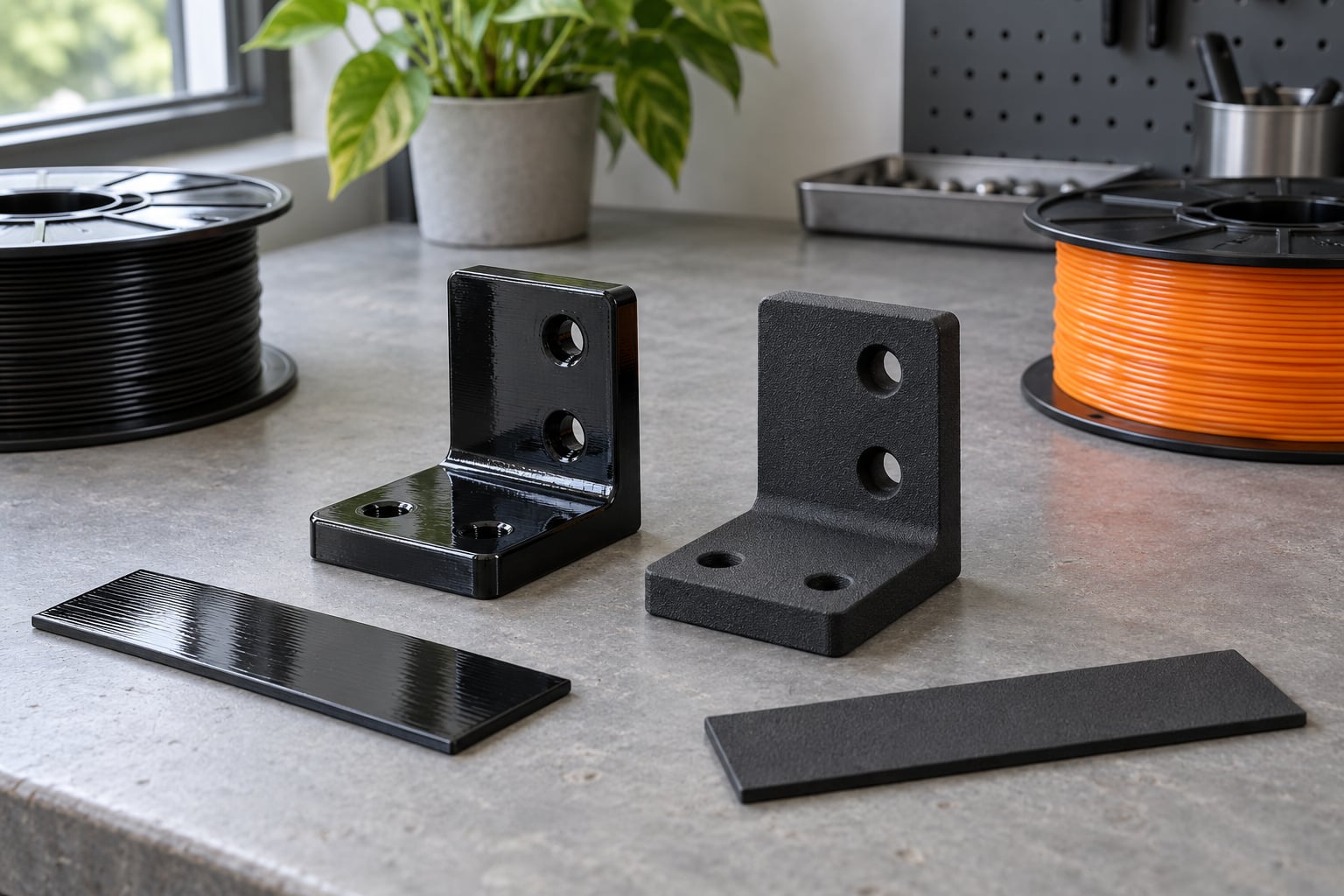
Gloss versus matte is the biggest visual gap. Standard PLA often prints with a semi-gloss sheen and very consistent layer blending. Many PLA Plus recipes come out matte or satin, which hides layer lines rather than accentuating them. Some people prefer that outright for display pieces; others find the gloss clearer on prototypes.
Fine detail reproduction is a wash. Both materials print thin walls, sharp overhangs and bridging spans in the same way, provided your cooling is set correctly. The one place PLA Plus often needs attention is fine detail on a high-speed printer: the tougher flow can be stringier than a well-tuned standard PLA profile.
Post-processing needs are identical. Both sand, fill, prime and paint the same way. Neither takes a machining operation well enough to build tooling from, since both are too soft and too low-melting to machine accurately without melting.
Printing Settings and Ease of Use
Switching spools does not require a full re-tune, but it does require a small one. Users on r/3Dprinting ask this question every time a new PLA Plus spool arrives, and the answer is: nudge the nozzle up 5 to 10°C, then adjust from there.
| Setting | Standard PLA | PLA Plus |
|---|---|---|
| Nozzle temperature | 190–220°C | 200–230°C |
| Bed temperature | 55–60°C | 55–65°C |
| Cooling fan | 100% from layer 2 or 3 | 80–100%, lower for overhangs |
| Retraction | Start at 0.6–1.0 mm at 25–35 mm/s | Retune; stringing is usually higher |
| First layer | Standard flow and bed temp | Check bed temp before touching flow |
| Speed | Full rated speed usually fine | Reduce 10–20% on first attempt |
| Flow | Baseline | Verify extrusion, do not assume |
Bed adhesion deserves its own note, because it is the most common complaint after a switch. A user on r/FixMyPrint reported failed bed adhesion on a PEI panel immediately after changing to PLA Plus. The usual cause is the opposite of what people expect: the hotter nozzle softens the bead and lets it stick too strongly to a textured PEI sheet, so the part lifts and takes the surface with it. Try dropping the bed a few degrees, keep the nozzle a few degrees higher, and clean the sheet with dish soap and water. Do not add glue as a first move.
Stringing and apparent brittleness round out the common problems. If PLA Plus prints stringy, the fix is retraction distance and speed, not temperature. If it prints brittle despite being PLA Plus, the material was almost certainly under-extruded, which means thin walls, bridges and overhangs will snap. Print a single-wall calibration cube and check for consistent extrusion before blaming the spool.
Nozzle wear matters slightly more for PLA Plus because the additives can be mildly abrasive. A hardened steel nozzle handles it without comment; a brass nozzle on a high-abrasion blend will slowly wear.
Cost and Best Uses
PLA Plus costs more per kilogram, and the markup varies widely by brand, with observed differences of roughly 5% to 40% over a comparable standard PLA spool. The premium is not tied to a measurable property across the whole category, so it is a brand decision as much as a material decision.
The break-even logic is simple. If a part will be displayed, the standard PLA savings go straight to your parts bin with no downside. If a part gets handled, dropped or loaded, one snapped clip in a product or assembly costs more in time than the filament premium ever did.
Map the filaments to jobs like this.
- Standard PLA: prototypes, test fits, display models, vases, miniatures, art models, planters, low-stress containers and enclosure parts.
- PLA Plus: durable prototypes, clips and brackets, toys, cosplay and prop parts, robotics parts, jigs and fixtures, lightly loaded functional parts.
- Neither: car interiors, dishwashers, boiling-water contact, load-bearing outdoor fixtures.
PETG deserves a mention here. It is tougher than both of these, prints at a similar nozzle temperature on most printers, and frequently costs no more per kilogram than a premium PLA Plus spool. If you are buying PLA Plus purely for impact resistance and you have a printer that handles PETG, compare the two spools before you commit.
Which Should You Choose?
Choose standard PLA when the part is decorative, when you are printing large volumes of small detail models, or when you are still learning your printer and want the easiest possible material to tune. Choose PLA Plus when the part is functional, when failure would be annoying or expensive, or when thin walls and clips are part of the design.
Printer type matters less than people think. Any printer that runs standard PLA can run PLA Plus, since the temperature increase is small and within the range of all common hotends. Direct drive systems may need slightly more retraction tuning, and enclosed printers simply have less stringing to fight.
When you pick up a new brand of PLA Plus, the first step is a small calibration print. Run a temperature tower between 195 and 230°C, print a single-wall cube for flow, and drop a small coupon off a shelf to see whether it snaps or bends. That takes fifteen minutes and tells you more than any spec sheet, because the formulation is proprietary and the label number is a starting point rather than a result.
Frequently Asked Questions
Does every PLA Plus filament perform the same way?
No. PLA Plus is a marketing label with no industry standard behind it, so each maker uses its own additive recipe. One brand may lean on elastomers for a rubbery feel while another uses acrylic polymers for stiffness. Impact numbers across brands vary widely, which is why testing a small coupon from a new spool beats trusting a datasheet.
Can I use standard PLA printing settings for PLA Plus?
Usually, yes, but you are printing slightly below the recommended range. Standard PLA profiles run 190-220u0026deg;C at the nozzle, while PLA Plus is normally run 5-10u0026deg;C hotter at 200-230u0026deg;C. Raise the nozzle, leave the bed roughly as it is, and reduce the cooling fan slightly. Print a temperature tower rather than guessing.
Is PLA Plus available in the same colors as standard PLA?
Mostly. Both cover black, white, grey, red, blue, green, yellow and clear. PLA Plus tends to have a narrower specialty range, with fewer translucent, silk and gradient options, and the palette varies by brand. If you need a specific unusual color for a display piece, standard PLA is the safer bet.
Can PLA Plus parts be recycled like ordinary PLA?
Chemically, yes, because the base polymer is still polylactic acid. In practice, it depends on your local stream. Additives and pigments can complicate industrial composting, and most curbside programs will not accept filament at all. Home composting is fine for clean, unfilled PLA and PLA Plus parts, while filled or dyed items should go through specialist filament recycling instead.
Is PLA Plus safe for parts exposed to hot cars or direct sunlight?
Not for hot cars. Both standard PLA and PLA Plus soften around 55-60u0026deg;C and failed an oven test near 65u0026deg;C, and PLA Plus offers no meaningful improvement. Direct sunlight is a different problem: ultraviolet exposure embrittles any PLA over months, so long-term outdoor parts are better made from ASA or PETG.
Can PLA Plus be sanded, filled, painted, or machined after printing?
Sanding, filler, primer and paint all work exactly as they do on standard PLA, and a matte PLA Plus surface often needs less work before priming. Machining is the exception. Both materials are too soft and melt too easily for accurate milling or drilling without workholding and very light cuts, so keep CNC work off printed parts entirely.
Conclusion
PLA plus vs standard PLA comes down to failure behaviour. Standard PLA is stiffer, cheaper and better for anything decorative. PLA Plus flexes instead of shattering, which is why it is the right filament for clips, brackets, toys and lightly loaded functional parts, and it is not more heat resistant at all. Buy the spool that matches the job, run a temperature tower and a flow check on the first print, and save the retune time for bigger problems.