Thermal runaway protection explained in one line: it is the set of sensing, control and cutoff systems that detect a heater running away from its commanded temperature, stop the heat, and keep a fault from turning into smoke, melted plastic or a printer fire. On a 3D printer that means firmware limits, a real sensor on the hotend, and ideally a hardware cutoff that works even when the board does not. Updated for 2026.
Most owners meet this system the hard way. The printer stops mid-layer with a thermal runaway message on the screen, and nothing tells you whether a loose thermistor wire, a seized heater or a genuinely overheating chamber caused it.
That ambiguity matters, because the error name on a 3D printer and the runaway event in a lithium cell are two completely different things that happen to share a label. This guide keeps them separate and walks through what each protective layer does, how to set it up, and what to do when it trips.
Table of Contents
- 1What Is Thermal Runaway Protection?
- 2Why Does Thermal Runaway Happen in 3D Printing?
- 3Printer faults
- 4Material and handling faults
- 5How Thermal Runaway Protection Works
- 6What Protection Features Should a 3D Printer Have?
- 7How Do You Prevent Thermal Runaway During Printing?
- 8What Should You Do If Thermal Runaway Is Detected?
- 9Thermal Runaway Protection for Different Printing Materials
- 10PLA
- 11PETG
- 12ABS and ASA
- 13Nylon
- 14TPU
- 15Photopolymer resin
- 16High-temperature engineering polymers
- 17How Can You Test and Maintain Protection Systems?
- 18Frequently Asked Questions
- 19Is a normal thermostat enough to protect a 3D printer?
- 20Is software shutdown reliable if the controller crashes?
- 21Why is ABS more demanding than PLA?
- 22What should I do if my 3D printer catches fire?
- 23Does a smoke detector make a printer safe to leave unattended?
- 24Why did my printer report a thermal runaway error?
- 25Conclusion
What Is Thermal Runaway Protection?
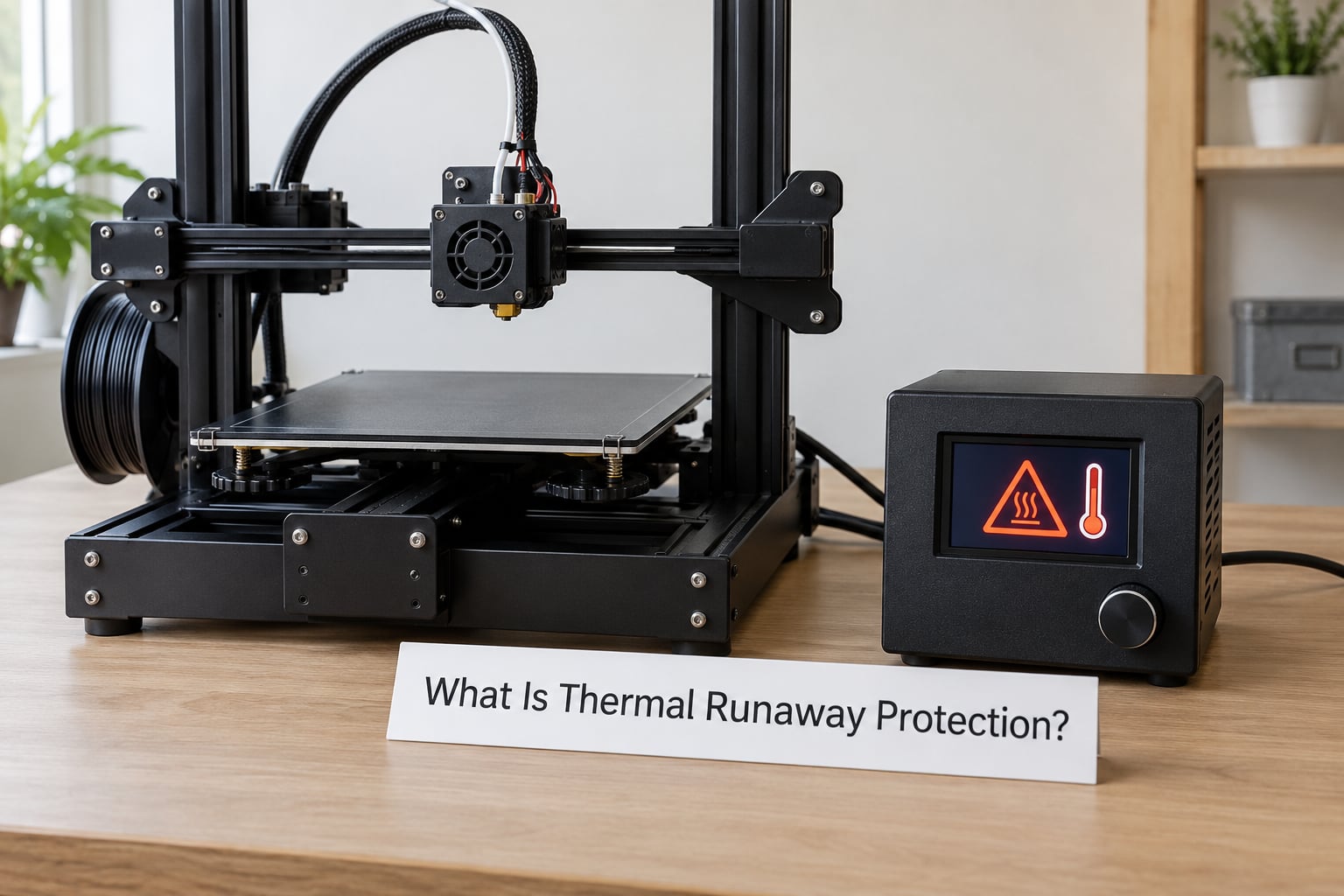
Thermal runaway in additive manufacturing is a heating element that keeps drawing power, or keeps being commanded, after the temperature has passed what the machine and the material can safely handle. Heat builds faster than the nozzle, chamber and bed can shed it, the polymer starts to break down, and the printer’s own sensors are the last thing standing between a bad setpoint and a damaged machine.
Protection is not the same as temperature monitoring. Monitoring tells you what the temperature is right now. Protection acts on a decision: stop the heater, cut power to that circuit, warn the operator, or halt the whole machine so a person can intervene.
| Protective function | What it does | Typical implementation on a 3D printer |
|---|---|---|
| Sensing abnormal heat | Compares measured temperature against the commanded value and the rate of change | Thermistor or thermocouple on the hotend and bed, sampled by the motion controller |
| Stopping heat input | Removes or reverses power to the heater element | PWM cut on the heater MOSFET, plus a firmware kill of the heater output |
| Cutting power | Isolates the circuit or the machine entirely | Hardware thermal cutoff, mechanical e-stop, or a mains switch on the PSU |
| Notifying the operator | Gives a person time to act | Buzzer, LCD or OLED message, controller error state, notification over the network interface |
One warning about the name. A lithium cell runaway is a self-feeding chemical reaction inside a sealed cell that vents flammable gas and can propagate to neighbouring cells. A printer thermal runaway is a heater that is too hot for too long. Both are real, both are called thermal runaway, and only one of them belongs to a battery management system.
Why Does Thermal Runaway Happen in 3D Printing?
Runaway almost always starts as a fault the printer could have caught. The heater circuit, the sensor, the cooling path or the setpoint is wrong, and protection is what converts that fault into a stopped machine rather than a burned one.
Printer faults
- Failed or loose thermistor. A disconnected sensor can report an implausibly low temperature, so the controller keeps pushing power into a heater that is already at temperature. A sensor that shorts out can report an implausibly high reading and trip protection for no reason.
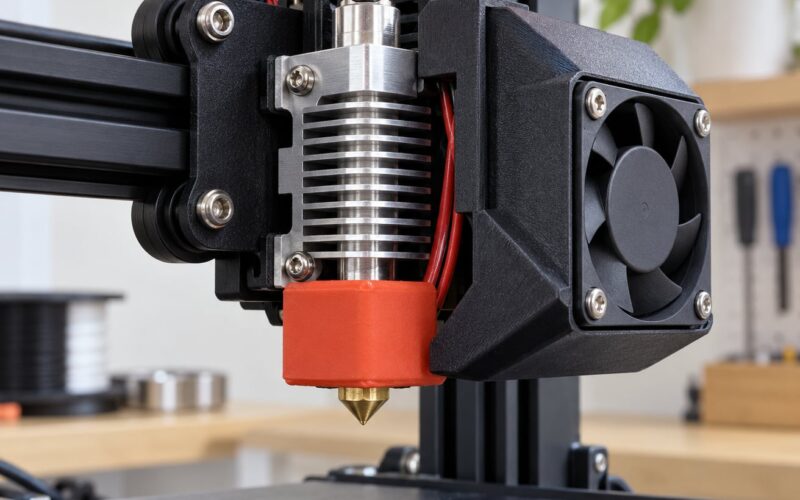
- Failed heater or heater cartridge. A partially shorted element draws more current than normal, heats the surrounding melt zone far faster than a healthy heater, and can leave a visible ring of deformed plastic around the hotend.
- Blocked or failed part-cooling fan. With the fan seized or the duct blocked, heat that should be carried away from the nozzle stays in the heater block. This is one of the most common causes and the easiest to miss, because the temperature reading still looks right.
- Wrong temperature settings. Printing a high-melting material profile with a low-temperature profile in the slicer, or entering a setpoint above what the hotend is rated for, gives firmware no reason to complain. It was asked to do exactly what you told it to do.
- Control loop failure. A mis-tuned PID loop can overshoot badly on a cold chamber, and a poor sensor placement can create a slow oscillation that the loop chases. Both push real hardware past the number on the screen.
- Wiring and connector faults. Degraded crimps, undersized wire or a connector running too hot create resistance that turns into heat outside the sensor’s view.
Material and handling faults
Material changes the threshold, not the mechanism. ABS and ASA shed styrene vapour that irritates the lungs and clings to every surface in the room. Nylon is hygroscopic and absorbs moisture from the air until the water in the filament boils in the hotend. Unwashed or recycled filament brings metal and particle contamination that cooks onto the nozzle and the heater block. None of that trips a thermal cutoff by itself, but all of it reduce how much thermal headroom you actually have before heat becomes damage.
| Cause | What you notice |
|---|---|
| Loose or failed thermistor | Temperature jumps quickly, or the printer reports a cool temperature with a visibly melted nozzle |
| Failed heater cartridge | Fast climb, loud or harsh noise from the heater, scorch mark at the heater base |
| Blocked part-cooling fan | Temperature reads normal, but the melt zone or chamber keeps rising and layers curl or slump |
| Setpoint above the material limit | Strong smell, bubbling melt, dark residue, stringing that turns to smoke |
| Chamber too warm, no ventilation | Reads settle well above the setpoint after heat-up, or the bed drifts as the chamber heats |
| Wiring damage | Warm connector, discoloration, error that appears only under sustained load |
How Thermal Runaway Protection Works
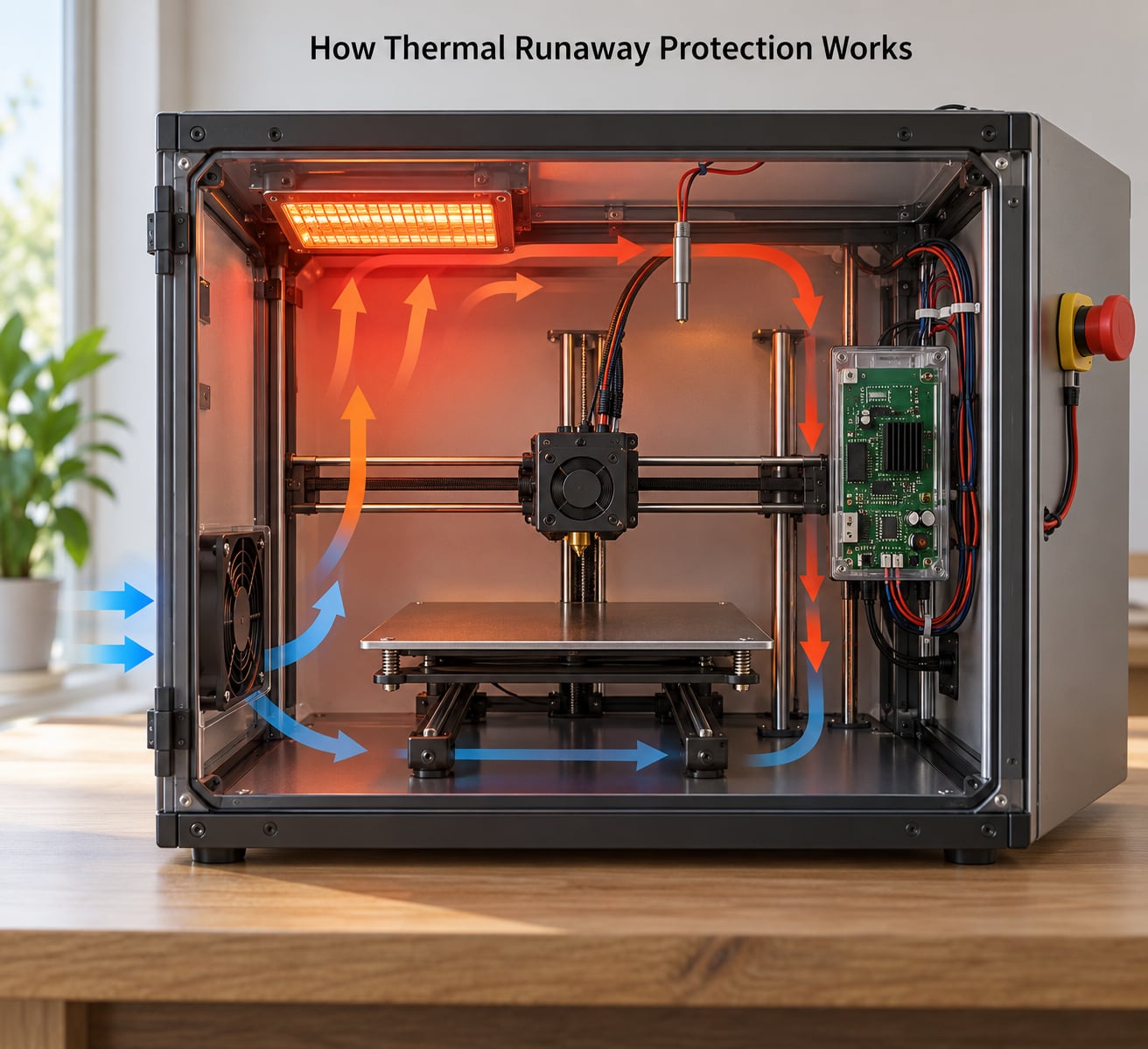
Protection works as a sequence, and each stage gives the next one time to act. A machine that only has the first stage is a machine with a thermometer, not a machine with protection.
- Steady-state control. The PID loop reads the sensor and modulates heater duty to hold the setpoint. Normal operation looks like a small sawtooth around the target.
- Deviation detection. Firmware watches the gap between commanded and measured temperature, and also watches how fast temperature is rising. A heater climbing far faster than its rated power can explain is a runaway signature even when the number is still below the ceiling.
- Warning. The first response is to tell a person. A message, a beep or a network notification costs nothing and is the last chance to intervene before power is removed.
- Power reduction. Some firmware drops heater duty or pauses heating while it waits to see whether the sensor recovers, which handles a transient glitch without killing a good print.
- Heater shutdown. Past the hard ceiling, the heater output is disabled. On a bed heater this is often all that happens.
- Machine halt. For hotend runaways the controller typically enters a kill state: heaters off, motors stopped or disabled, steppers de-energised, and the screen frozen on the error until power is cycled.
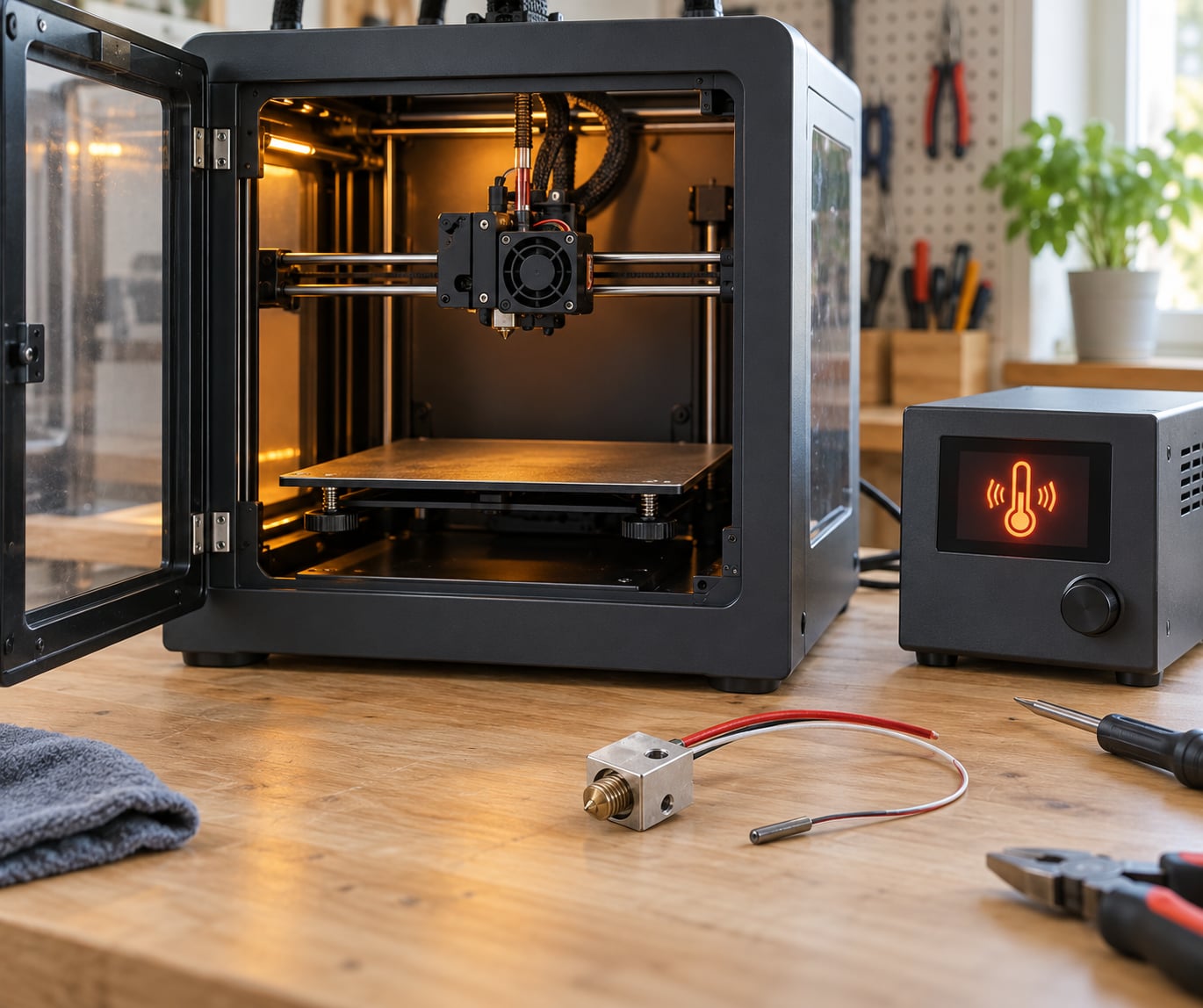
- Emergency stop. A physical cutoff above the firmware layer removes the circuit entirely. This is the stage that still works when the board crashes, the screen is dead, or the fault is out of the controller’s logic entirely.
Independent hardware protection and firmware limits fail in different ways, which is why one without the other leaves a gap. Firmware can be misconfigured, disabled, or flashed with an older build that has weaker checks. Hardware cutoff cannot be argued with, but it does not know about a blocked fan or a slow temperature climb and will not help there.
Forum reporting on consumer printers makes the same point from the other side. Owners of Voxelab Aquila units commonly say that when thermal runaway protection engages it shuts down the heating elements, which is the intended behaviour, and they regard it as a last line of defence rather than a routine event. The same community has reports of a second unit where the protection did not stop an actual fire hazard, and early firmware revisions of that printer are repeatedly named as having weaker protection. The honest reading is that these systems reduce risk and do not remove it.
What Protection Features Should a 3D Printer Have?
A printer with all eight of these features has protection you can reason about. A printer missing the first two is running a hot element with no independent check.
- An independent cutoff. Hardware that removes heater power without the mainboard’s cooperation, placed where you can reach it.
- Reliable temperature sensing. A properly seated thermistor or thermocouple on each heated zone, with wiring that can survive a year of thermal cycling.
- Software temperature limits. A maximum temperature per heater in firmware, set below the rating of the hardware rather than at it.
- Watchdog monitoring. If the firmware stops answering, the board resets or shuts the heaters down rather than leaving them energised.
- Runaway heater logic. Rate-of-rise and power-deviation checks, so a fault is caught before the ceiling is reached.
- Smoke or gas detection. A cheap optical sensor in the chamber that halts power before the situation is a fire.
- Working ventilation. Airflow that carries heat out of the chamber rather than trapping it, which is a control measure as much as a comfort measure.
- Accessible emergency stop. Something you can hit without moving your eyes off the machine.
These are not interchangeable. Smoke detection will not stop a heater climbing slowly. A watchdog cannot detect a blocked fan. A hardware cutoff cannot tell you what went wrong. Treating one feature as a substitute for the others is how a safety argument quietly stops being true.
How Do You Prevent Thermal Runaway During Printing?
Prevention is mostly preparation done before the print starts, not during it. Five minutes of checks removes the majority of the faults that protection would otherwise have to catch.
Check the material’s real temperature range against the profile you selected, and make sure the hotend is rated for it. A cartridge rated below the setpoint is asking for exactly the failure this article is about.
Then look at the heater and sensor wiring. Reseat the hotend and bed connectors, check that the thermistor sits against the heater block with its clip properly fastened, and look for discoloration or a connector that is warm to the touch.
Confirm the fans actually move air. A part-cooling fan that spins freely in your hand can still be dead on the board, and a chamber fan with a clogged filter defeats the ventilation that keeps an ABS chamber from cooking.
Test the emergency controls before a long print, not during one. A quick deliberate kill at low temperature confirms the cutoff path works, and a quick halt confirms the screen reports it.
Before-start checklist:
- Profile matches the material, and the hotend rating covers it
- Thermistor clip fastened, connectors seated and undamaged
- Part-cooling and chamber fans spin, no blocked ducts
- Max temperature limits in firmware checked and not disabled
- Emergency stop and cutoff reachable and tested
- Printer on a non-flammable surface, away from filament storage
- Filament dry and free of contamination
Two habits do more than any setting change. Keep the printer in the room where someone can smell it, and do not leave a long heated print running unattended until you know what that machine does when something goes wrong.
What Should You Do If Thermal Runaway Is Detected?
If protection has tripped, the machine has already stopped the heat. The next steps are about keeping it stopped and finding out why. Work through them in order and stop at the first step that makes the situation urgent.
- Leave power connected until the reading settles. Many controllers cool the chamber deliberately after a kill, and cutting power can leave a hot nozzle sitting on a bed of softened plastic.
- Read the exact message. A maximum temperature error and a heater-still-too-hot error mean different things, and firmware that reports both for the same fault is telling you something about its own checks.
- Wait for a full cool-down before opening anything. Melted filament and a damaged heater block are hot well after the error clears.
- Once cold, check the thermistor resistance against the value for its type at room temperature. A reading far off from spec points straight at the sensor.
- Check heater continuity and insulation. A heater reading close to a dead short, or leaking to the frame, means the cartridge has failed.
- Verify the fan runs under firmware control rather than just by hand, and clear the duct.
- Inspect what the heat actually damaged. Look at the melt zone, the heater block, the silicone sock and the first few layers of the part.
- Then update the firmware before you change anything else. Older firmware builds are widely reported as having weaker runaway checks, and this is the cheapest fix to rule out.
If you see smoke, an unusual chemical smell or visible flames, protection has already failed and this is an emergency. Disconnect power at the wall if it is safe to reach, never handle a venting or swollen lithium pack directly, and follow your printer manufacturer’s emergency instructions. Do not open a chamber or a battery enclosure while it is actively venting.
Thermal Runaway Protection for Different Printing Materials
Material decides how much margin you have, because every polymer starts breaking down at a different temperature and some of them give off gas before they give off heat. Protection settings should follow the material, not the other way round.
PLA
Lowest-temperature and lowest-degradation option of the common filaments. The window between a good setpoint and destructive decomposition is narrow, but so is the amount of energy involved. This is the easiest material to protect well; the remaining risk is mechanical, such as a jammed extruder or a bed that is too close.
PETG
Prints a little hotter than PLA and holds heat longer, which is useful because PETG clings to a cold bed poorly. It degrades before it burns, producing visible stringing and darkening. Not typically an enclosed-chamber material, and it does not need an enclosure to be safe.
ABS and ASA
The demanding pair. Both need an enclosure and often a chamber heater to control warping, and both give off styrene vapour, which is why ventilation matters more here than for any other common filament. The enclosed chamber also removes the airflow that used to carry heat away, so the protection that works on an open-bed printer is doing more work on this one.
Nylon
Prints hot and absorbs moisture from the air until the filament is wetter than the material supplier intended. Moisture in the hotend boils, steam pushes melt back up the extruder, and the machine can show a pressure or flow error that looks like a blockage. Dry the filament first and a large share of nylon “blockage” problems never happen.
TPU
Flexible, abrasion-resistant and a genuine extrusion problem rather than a thermal one. The common failures are slow feed and partial clogging. Slow feed means the hotend sits against the same spot for longer than the material can stand, so keep the flow rate and the extruder gear ratio at the manufacturer settings.
Photopolymer resin
Resin curing is photochemical, not thermal, so hotend runaway protection does not apply to the cure. The safety layer is resin handling: ventilation, gloves, a sealed container, and proper disposal of uncured liquid. Post-cure ovens are the heated equipment worth checking, and they should have a working cutoff and a temperature ceiling.
High-temperature engineering polymers
PEEK and the polyetherimides print at temperatures that exceed what hobby hardware is designed for, and they need a heated chamber and inert gas handling. This is the range where a consumer printer’s firmware limits are no longer the limiting factor; the heater rating and the enclosure are.
How Can You Test and Maintain Protection Systems?
Testing protection is mostly confirming that each layer is present and reporting correctly. Do it without deliberately overheating a printer, and consult the manufacturer’s service procedure before you bypass or replace any safety component.
Start with the sensor. Compare the firmware’s reported room-temperature value against the measured resistance, and repeat that check after a long print. Sensor drift shows up as a chamber that no longer returns to a stable baseline.
Confirm the temperature ceilings are set and enabled in firmware, and record what you set them to. Protected from a stock firmware flash, an unknown limit is worse than no note at all.
Exercise the emergency stop and the hardware cutoff at low temperature. A cutoff that has never been tested is an assumption, not a feature.
Check the fans under real conditions: airflow at the nozzle for PLA, enclosure extraction for ABS, and a clean filter on the recirculating path.
Finally, keep a note of your firmware version and read its changelog when you update. Most fixes to runaway checks land as a release note, which means the improvement is only real once you flash it.
Frequently Asked Questions
Is a normal thermostat enough to protect a 3D printer?
No. A thermostat controls one temperature at one point and cannot detect a heater that keeps drawing power after the sensor fails or a fan stalls. Useful thermal runaway protection needs a sensor the controller trusts, a firmware limit that halts heating, and ideally a hardware cutoff that removes power without the board’s help.
Is software shutdown reliable if the controller crashes?
Not on its own. A firmware kill depends on the board, its sensor inputs and its firmware all working correctly at the same moment, and it can be disabled or lost in an older firmware build. A hardware cutoff above that layer closes the gap. Think of software shutdown as the fast, graceful response and hardware as the one that works when everything else has stopped.
Why is ABS more demanding than PLA?
ABS needs a higher setpoint inside a closed chamber, which removes the airflow that carries heat away, and it gives off styrene vapour while it decomposes. Heat builds faster and the fumes are a real inhalation concern, so an ABS machine needs ventilation and a working fan path as much as it needs a correct temperature limit.
What should I do if my 3D printer catches fire?
Disconnect power at the wall if you can reach it safely, keep your distance from venting cells, and follow your printer manufacturer’s emergency procedure. Do not try to carry a burning or venting lithium battery, and do not open an enclosure that is emitting smoke. Clear combustibles away from the machine and let it cool before you approach it again.
Does a smoke detector make a printer safe to leave unattended?
It helps, but it is not a substitute for supervision. A smoke detector tells you something is wrong after smoke has developed, which can already be past the point where an unattended print should continue. It also does nothing if the room is closed or if you are away for hours. Check the safety systems first, then decide what that machine can be trusted with overnight.
Why did my printer report a thermal runaway error?
Because measured temperature moved further from the setpoint than the firmware tolerates, or rose faster than the heater’s rated power explains. The most common causes are a loose or failed thermistor, a failed heater cartridge, a seized part-cooling fan, a chamber that is too warm, or a setpoint above what the hardware is rated for. Read the exact error string before replacing parts.
Conclusion
Thermal runaway protection explained comes down to five things you can check on your own machine this week. Confirm you have an independent cutoff above the firmware. Verify the thermistors and heater wiring, and that the fans move air under control. Make sure your emergency stop actually stops something. Match the material to the profile and to the hotend rating. And keep the printer attended until you know what it does when a protection layer trips.
Protection reduces the damage a fault can do. It does not make a badly maintained printer safe to ignore, and every owner who has treated it that way has had the same lesson twice.