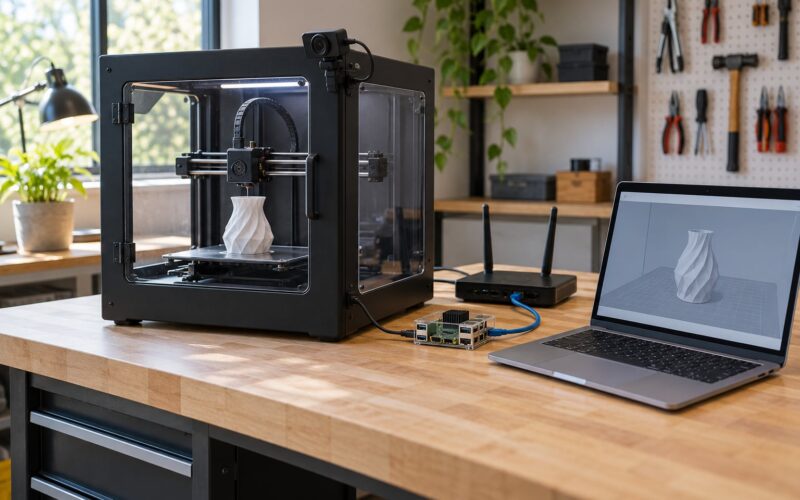
The klipper vs marlin firmware differences come down to one architectural choice. Marlin is a single program that runs entirely on the printer’s own microcontroller, while Klipper splits the job: a host computer such as a Raspberry Pi plans the motion and the microcontroller handles real-time step timing. That split is why Klipper can go faster at high print speeds and why it needs something else to keep running.
Both are free, open-source, and used on millions of printers. Neither is the better firmware in general. Pick based on how fast your hardware can physically move and how much you enjoy tuning a machine.
Table of Contents
- 1Klipper vs Marlin Firmware Differences at a Glance
- 2How the Two Firmware Architectures Handle a G-Code File
- 3Printer and Hardware Compatibility
- 4Motion Planning, Print Speed, and Printer Performance
- 5How klipper vs marlin firmware differences affect motion
- 6Tuning Features and Advanced Control
- 7Computer Requirements, Configuration, and Updates
- 8Community, Documentation, and Ongoing Development
- 9Reliability, Troubleshooting, and Long-Term Maintenance
- 10Which Should You Choose?
- 11Frequently Asked Questions
- 12Is Klipper faster than Marlin for every 3D printer?
- 13Can I install Klipper or Marlin on any 3D printer?
- 14Does Klipper need a computer to keep printing?
- 15Is Marlin firmware discontinued?
- 16Can I switch from Marlin to Klipper without reprinting?
- 17Which firmware is better for a new 3D printer?
- 18Conclusion
Klipper vs Marlin Firmware Differences at a Glance
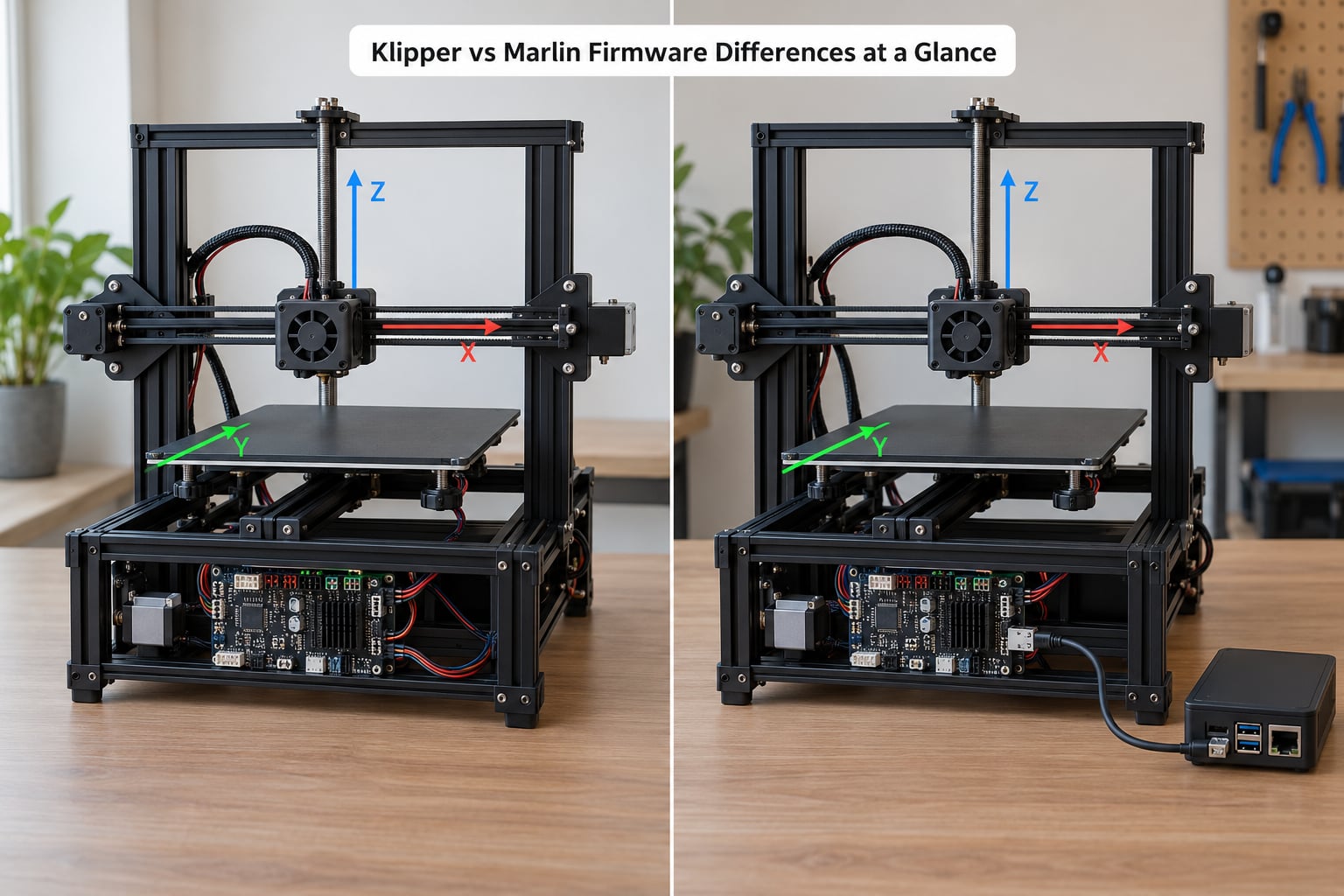
| Category | Marlin | Klipper |
|---|---|---|
| Architecture | Monolithic; everything runs on the printer microcontroller | Split; host computer plans motion, microcontroller steps |
| Host hardware required | None beyond the printer board | A single-board computer or a supported 32-bit board |
| Core language | C++ | Python for the host, C for the microcontroller |
| Configuration file | Configuration.h and Configuration_adv.h | printer.cfg, a plain text file |
| Step rate ceiling | Around 175K steps/s on 8-bit, lower in practice | Around 175K steps/s on 8-bit, roughly 500K on 32-bit |
| Vibration compensation | None built in | Input shaping |
| Extruder pressure compensation | Linear advance | Pressure advance |
| Web interface | LCD screen, or nothing | Mainsail, Fluidd, or OctoPrint in a browser |
| Printer compatibility | Very broad, especially older 8-bit boards | Broad on modern boards; config work on oddball builds |
| Setup effort | Compile and flash, or use a vendor build | Set up a host, flash two things, write a config |
| Live tuning | Commands through the screen or serial console | Edit the config in a browser tab and restart |
| Reversible | Yes, reflash the vendor build | Yes, reflash Marlin or the factory firmware |
| License | GNU GPL | GNU GPL |
Quick verdict for the four common cases. Beginners with a printer that already works should stay on whatever firmware it came with, or on Marlin, and put the effort into the machine instead. Speed-focused makers who want to push past 150 mm/s without the ringing show up usually get more out of Klipper. Tinkers who enjoy reading documentation and adjusting parameters will have more to play with on Klipper. Production builders running several machines off one browser tab will also find Klipper’s web interfaces easier to live with.
How the Two Firmware Architectures Handle a G-Code File
A slicer turns your model into a G-code file, and firmware is what turns that file into movement. Every printer has firmware doing this job. The two systems just divide the work differently.
Marlin reads the G-code file and converts every movement into step pulses on the printer’s own microcontroller, typically an Arduino Mega2560 or a 32-bit board. It does the planning and the execution in the same place, which is why a Marlin printer keeps printing through a power cut on the host side.
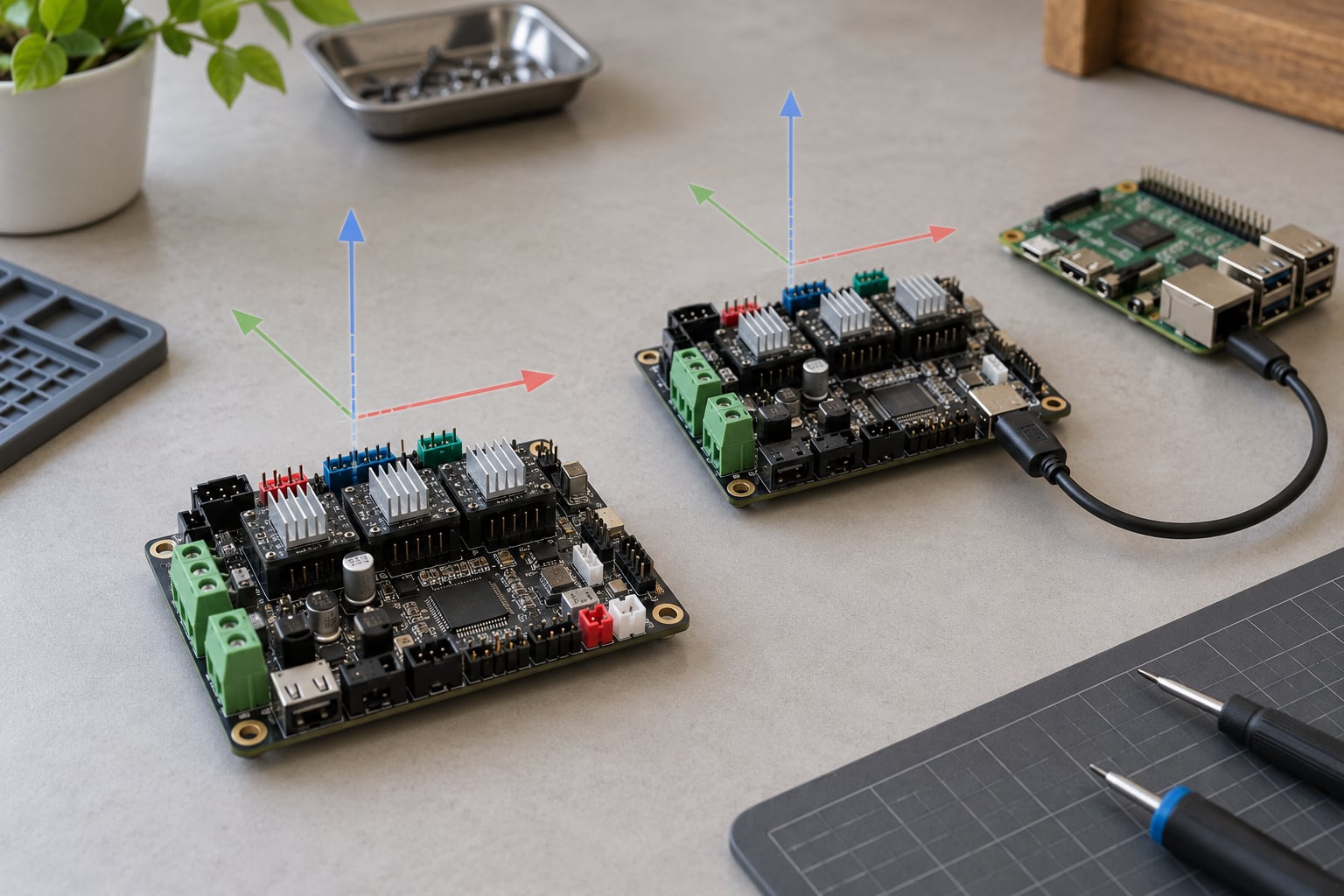
Klipper sends the file to a host computer, usually a Raspberry Pi. The host plans look-ahead, acceleration, junction speeds, and input shaping, then streams simplified movement commands to the microcontroller, which only has to place each step at the right microsecond. A Pi Zero or a small mini PC handles this comfortably, and several modern 32-bit printer boards now do the host job themselves.
Worth clearing up three things Klipper is not, because forum threads mix these up constantly. It is not a slicer; it does not replace Cura or OrcaSlicer or PrusaSlicer. It is not OctoPrint, which is a host application for slicing, monitoring and remote control rather than firmware. And it does not automatically replace your printer’s screen, although interfaces such as Mainsail and Fluidd give you a far better control surface than most stock LCDs once a host is involved.
Printer and Hardware Compatibility
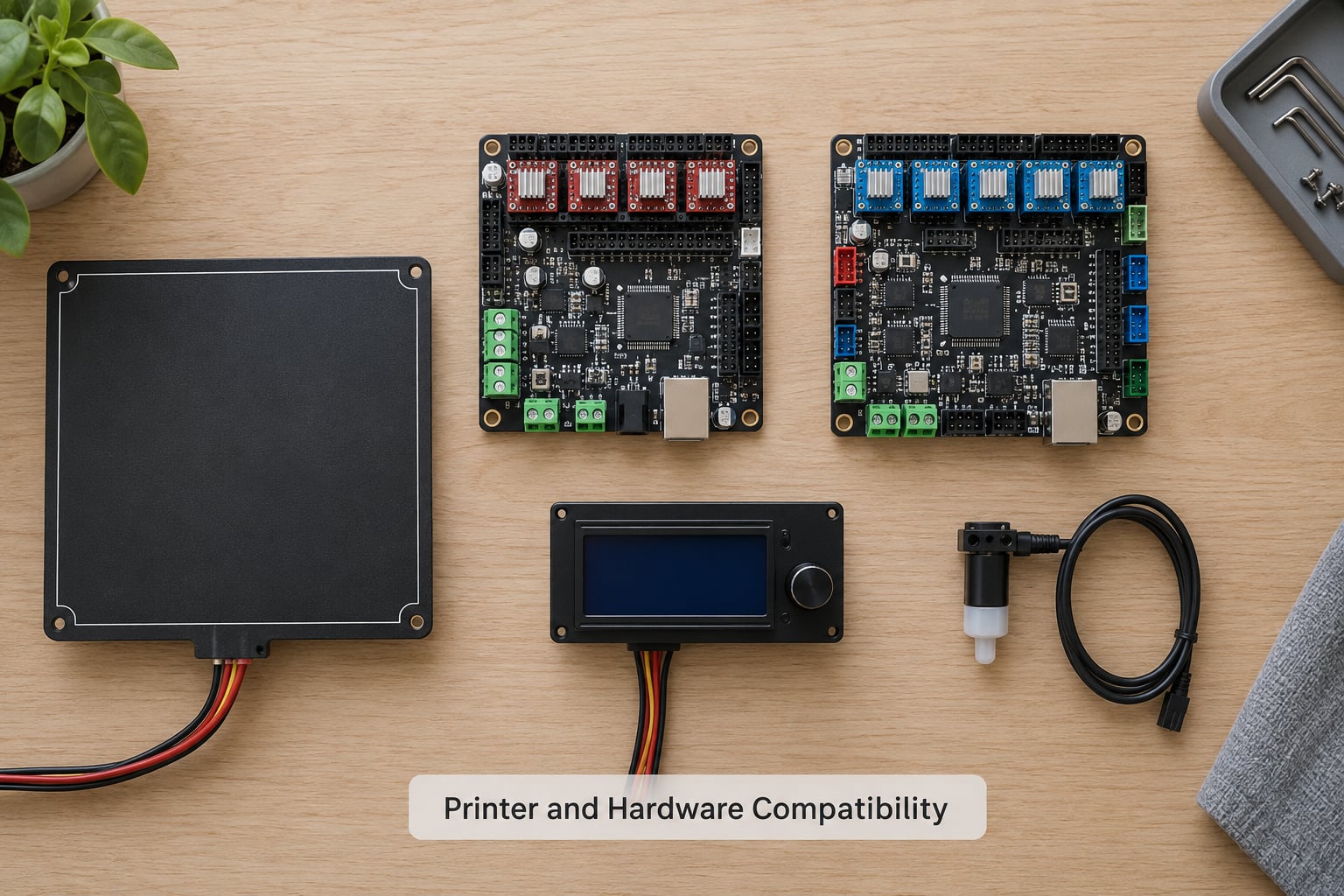
Compatibility is less about the printer model and more about the board revision, the pins, and whether a configuration exists.
Marlin has the wider reach. It has been around since 2011 and supports the classic 8-bit stack, including RAMPS boards on an Arduino Mega2560, Sanguinololu, Anet boards, and RUMBA. It also runs well on 32-bit boards, so a Creality Ender 3, a Voron, or a delta machine all have proven configurations.
Klipper supports AVR and ARM microcontrollers too, and most 32-bit boards people ask about are well covered. The complication is not the board, it is the printer. A standard cartesian machine has configurations available off the shelf. A non-standard build often means sourcing a community config and fixing pin assignments yourself, which is the single most common reason a conversion stalls.
Displays, probes and sensors are supported on both. A BLTouch or CR Touch works on Klipper through the probe abstraction rather than through the old Marlin probe code, and multi-MCU setups let Klipper add an outboard controller for extra stepper drivers or a separate toolhead board.
The Raspberry Pi question comes up constantly, and the honest answer in 2026 is that it depends on your board. The classic setup needs a host computer, and a Pi Zero 2 W is enough for one printer. Several 32-bit boards now boot Klipper on their own processor with no separate computer, so before buying anything, check the current Klipper board documentation for your exact board.
Motion Planning, Print Speed, and Printer Performance
How klipper vs marlin firmware differences affect motion
Processing power only matters if your machine can act on it. A stock bed-slinger with bowden tubes and an old extruder has a low ceiling no firmware can lift.
Step rate is the simplest way to understand the gap. It is the number of step pulses the microcontroller can issue per second. Klipper reaches around 175K steps per second on an 8-bit microcontroller and roughly 500K on a 32-bit board, which is where its faster motion planning and higher achievable speeds come from.
Input shaping is the feature Marlin has no equivalent for. Frame resonance creates ringing and ghosting on surfaces after sharp direction changes. Input shaping applies a carefully timed sequence of accelerations that cancels the resulting vibration before it starts, so you can raise acceleration and speed without paying in ringing.
Extruder pressure is the other compensation point. Klipper’s pressure advance and Marlin’s linear advance both remove the bulging you get when the extruder has built pressure during travel. Pressure advance handles it with a configurable buffer distance, which is easier to reason about when your extruder setup changes.
One claim needs correcting because it is still circulating in older posts. You will read that Marlin is more precise than Klipper. Nothing supports that. Both drive the same stepper drivers at the same step rate, and any surface difference you see comes from tuning, slicer settings, temperature, or the mechanical build, not from the firmware’s inherent accuracy. The companion claim that Klipper uses less memory is also backwards, since Klipper pushes the heavy work onto a host computer that has far more memory than any microcontroller.
Tuning Features and Advanced Control
Both firmwares cover the basics well. Mesh bed levelling, sensor-based homing, PID temperature tuning, thermal runaway protection, filament runout detection, and power-loss recovery are mature on each, and neither is meaningfully better at them.
Where they separate is how you change those settings. Marlin’s parameters live inside Configuration.h and Configuration_adv.h, which are compiled into a binary. You edit them in an IDE, build, and flash. Klipper’s live in printer.cfg, a plain text file you open in a browser or a text editor, change one line, and restart the firmware.
That difference compounds on larger machines. A delta or a CoreXY like a Voron has long calibration sequences, and on Klipper you can run them as macros instead of one long terminal command. Klipper also supports multiple microcontrollers for machines with a lot of axes, and its macro system can run Python on the host, which is more than a G-code macro can do.
More features do not automatically mean a better result for a given printer. On a well-tuned Marlin machine with clean belts, the difference between the two may be invisible in the finished part. What changes is how much room you have when the machine is not yet perfect.
Computer Requirements, Configuration, and Updates
Marlin’s setup path is short. You pick the correct board and environment definitions, edit Configuration.h for your printer, build the firmware in PlatformIO or the Arduino IDE, and flash it over USB or an SD card. If your printer vendor already ships a Marlin build, you may never need to compile anything at all.
Klipper’s setup has more pieces. You flash a small microcontroller firmware to the printer board, set up a host computer with Klipper installed, add a printer.cfg matched to your machine, then install Mainsail or Fluidd for control. People regularly report spending a couple of hours on the configuration for a mainstream printer, which is longer than a Marlin build and far shorter than the same job on an unusual machine.
Updates work differently too. A Marlin update means a new compile and flash, or accepting the vendor’s next release. A Klipper update is usually a git pull on the host plus a restart, and the microcontroller firmware can stay as it is unless new features require it.
Beyond these two, the firmware world has more options than most comparisons admit. RepRap Firmware is Marlin’s original predecessor from the RepRap project. Duet and its firmware target high-end multi-board machines. RatOS is a packaged, beginner-oriented way of running Klipper that bundles the host setup. Closed factory firmware on printers such as the Creality K1 series is deliberately locked down and tuned by the vendor. Knowing which of these you actually have in front of you saves a lot of confusion.
Community, Documentation, and Ongoing Development
Marlin began in 2011 under Erik Zalm as part of the RepRap project and is currently maintained by Scott Lahteine, with the 2.1.x series as the current line. Klipper was created in 2016 by Kevin O’Connor and is on the 0.12.x series. If a guide you find quotes Klipper 0.11.0 or Marlin 2.1.1 as the latest, treat the rest of its advice with suspicion.
The documentation styles suit different readers. Marlin’s wiki is long and reference-like, and it expects you to know what a thermistor table or a stepper driver current is. Klipper’s docs and its Discourse forum are more conversational, with worked examples for common printers and a community that answers questions in public.
Support for both is volunteer-run. Users on r/MarlinFirmware tend to give precise configuration answers, while r/klippers threads usually include the exact printer.cfg lines that worked. Either way, search the current upstream documentation rather than a forum post from three years ago, because pin names and config keys change between releases.
Reliability, Troubleshooting, and Long-Term Maintenance
Neither firmware is more reliable in the sense of fewer print failures. Each fails in its own way.
A Marlin printer that loses host power keeps printing, because it never depended on the host. A Klipper printer does not, since the motion planning stops with the host process. That is a genuine tradeoff to weigh if you print unattended, and it is the strongest argument for Marlin on a machine that has to finish without you.
Common Klipper symptoms have a recognisable shape: a probe that is not detected after a migration, driver errors on startup, or a config that stops loading because one line changed name. They are usually configuration problems, not broken hardware, and the logs in the browser console usually name the offending line. Marlin’s failures look different, typically a compile error you missed before flashing, which is why building before flashing matters.
Backups are the answer to almost all long-term anxiety here. Keep a copy of your Marlin Configuration.h and your Klipper printer.cfg somewhere other than the printer. Both conversions are reversible, so you can reflash the factory firmware or a Marlin build if you dislike what you get. That reversibility is worth more to a first-timer than any feature on either list.
Which Should You Choose?
Choose Marlin if the printer works, you use the display, you print long unattended jobs, or your build uses hardware with an established Marlin configuration. Choose Klipper if you want to experiment with speed, your machine is already mechanically solid, and you are comfortable adding a small computer or confirming your board can host Klipper itself.
Two exceptions to keep in mind. If you already have a modern 32-bit board, the cost and effort of moving to Klipper are lower than most older guides suggest, because the host may not be needed at all. If your printer is a non-standard build, check for a working configuration before buying a Pi, because that missing config is usually the real work rather than the firmware itself.
And do not convert purely on the strength of a headline speed claim. A faster firmware on a printer with a warped bed, worn belts and a cold-soaked PETG spool will not produce a better print. Fix the machine first, then decide.
Frequently Asked Questions
Is Klipper faster than Marlin for every 3D printer?
No. Klipper can plan motion faster and apply input shaping and pressure advance, so it prints faster at high acceleration on a mechanically sound machine. On a printer limited by weak motors, an old extruder, or warped bed, both firmwares hit the same wall. Speed gains show up in fast outer perimeters and travel-heavy prints, not in every file.
Can I install Klipper or Marlin on any 3D printer?
Almost, but not automatically. Support depends on the exact board, board revision, pin layout and whether a working configuration exists for your printer. Standard cartesian, CoreXY and delta machines usually have one. Oddball conversions can leave you writing the config from scratch. Check the current board documentation before flashing anything.
Does Klipper need a computer to keep printing?
In the classic setup, yes. A host computer such as a Raspberry Pi does the motion planning, and if that process stops, the printer stops mid-layer. Modern 32-bit boards can now run the host role themselves without a separate computer. A Marlin printer has no such dependency and keeps running when the host sleeps or dies.
Is Marlin firmware discontinued?
No. Marlin is actively maintained, with Scott Lahteine as a lead maintainer and the 2.1.x series as the current release line. It began under Erik Zalm in 2011 as part of RepRap. Many printers still ship with a Marlin-based factory build, and the community remains active on GitHub and r/MarlinFirmware.
Can I switch from Marlin to Klipper without reprinting?
Usually yes, though you should expect some setup work. Bed mesh data, saved offsets and EEPROM settings do not transfer, and macros and probe configurations need rewriting for Klipper’s format. Calibration like flow rate and input shaper values have to be redone or remeasured. A test print of a small calibration model afterwards is worth the time.
Which firmware is better for a new 3D printer?
Start with the firmware the printer came with if it works for you. Marlin suits beginners who want the display to just work and never touch a computer. Klipper suits makers who plan to tune speed, vibration and extruder behaviour, and who are willing to maintain a host. Newer printers increasingly arrive with Klipper already configured.
Conclusion
The klipper vs marlin firmware differences come down to where the thinking happens. Marlin keeps everything on the printer, which makes it dependable, self-contained and easy to leave running overnight. Klipper moves the planning to a host computer, which unlocks input shaping, pressure advance, faster motion and a browser interface, in exchange for a device you now maintain.
Start by identifying your exact printer and board, then confirm what firmware that board supports today and what hardware the option needs. Match the choice to how much you enjoy maintaining a small computer. If your printer runs well as it is, that is a legitimate answer, not a compromise.